
Searching Cases by Name
Start any Norton County case search at Kansas CaseSearch. The opening agreement is blunt. It says the display is not the official court record, and only data approved for public viewing appears there. Guests can see some basic case details. The official Smart Search instructions also cover registration plus reCAPTCHA verification for full Smart Search, which is simply a deeper access level. Neither tier unlocks a sealed or confidential record.
Names are broad. One search can pull matches from all over Kansas. When the location control appears, set it to Norton County, then apply case type, status, filing dates, or judicial officer only if you must. Skip entering personal data the search never asked for.
- Open Kansas CaseSearch and read the public user agreement.
- Enter a last name and first name, or a business name, in the required record-number-or-name field.
- Complete reCAPTCHA, open Advanced Filtering Options, and choose Norton County as the location.
- Narrow by case type, status, filing-date range, or judicial officer when too many results remain.
- Open the likely match and compare its case number, court, caption, and filing date.
| Field Label | Type | Required | Use |
|---|---|---|---|
| Record Number or Name | Text | Yes | Case number, party name, or other supported value |
| Location | Dropdown | No | Choose Norton County when available |
| Search Type | Dropdown | No | Case, citation, cross-reference, attorney, business, officer, nickname, or party |
| Case Type and Status | Dropdowns | No | Portal-dependent options |
| File Date Start and End | Date | No | Limits the filing period |
Norton County Case Search Controls
Smart Search gives you Clear, Submit, and Advanced Filtering Options. The advanced panel adds Party Name, Business Name, Nickname, Sounds Like, citation number, attorney fields, and case cross-reference choices. Identity fields sit in the official interface. Most searches for one known case never touch them. The Kansas help material skips many dropdown values for case type, status, and judge. Let the live portal govern.
Filter by location first. Norton County belongs to the six-county 17th Judicial District, though its district records stay county-local at the courthouse terminal. A statewide hit from another district is not a Norton County record. Matching names alone do not make it one. And note the portal offers no public bulk export, no fixed result order, and no uptime promise.
Searching by Case Number
A case number beats a common name for precision. Keep every letter, leading zero, and separator intact. Norton County matters predating the Odyssey conversion may carry a neutral pattern like 2021-CR-000001. Cases filed after July 11, 2022 may follow a pattern like NT-2024-CV-000001, with the county prefix up front. Both examples show form only, not real cases.
Type the number exactly as written. If it fails, follow the official help rules on punctuation and prefixes instead of dropping digits at random. An older number can still be valid. It may look nothing like the new format. When the portal accepts only part of the number, pair it with the Norton County location and case type.
Norton County Case Number Change
The 2022 technology shift leaves a seam in Norton County case search work. Old and new numbers can encode year, case type, and sequence differently, and only the newer form carries the county prefix. That change does not erase an old matter. It means the searcher may need the exact number from a notice, order, receipt, or older clerk record.
Treat case-type letters as clues, not findings. CR and CV patterns point toward criminal and civil matters, but the result page and the filed court order control the meaning. Never read an outcome out of a short code. A number that still fails belongs with the clerk. The clerk can check the older or offline index.
What a Case Search Returns
Kansas Supreme Court Rule 106B names the basic event history a register of action. It holds dates of case activity with brief descriptions. A Norton County result can identify the case, its parties or caption, case type, filing date, status, events, and links to public documents where allowed. None of that is necessarily the complete file.
| Case Number | The court-assigned identifier, including county prefix and leading zeros when shown. |
|---|---|
| Style or Parties | The caption and party roles, not a finding about any person. |
| Case Type | The court category, such as civil, criminal, probate, or traffic. |
| Filed Date | The date the case began in the system. |
| Status | An open, closed, disposed, or other label read with later entries. |
| Register Entries | Dated filings, settings, orders, judgments, payments, and other permitted activity. |
| Document Access | Links only where the public portal is allowed and able to provide them. |
A caption or charge is an allegation or label, not the final result. Read the later orders and disposition entries, and use the Norton County court records process for the underlying papers.
Norton County Case Search Limits
The online display warns plainly that it is not the official court record. Converted documents can be missing from the web. The public may still view them at a courthouse terminal. A missing image proves nothing. A blank search does not certify that the court holds no record.
For deeper access, visit the Norton County Public Access Terminal. It sits in the third-floor clerk's office at 105 South Kansas Avenue in Norton. Searching there is free, and paper copies run $0.25 per page. The terminal offers more advanced local public-record access than the web portal. No official source promises bulk export or nonpublic files.
Statewide vs County Case Search
Norton County runs no separate remote district-court search portal. Kansas CaseSearch supplies the statewide layer. The county terminal and the Clerk of the District Court supply the local layers. County pages still reference an older search.kscourts.org portal, but treat that as a legacy direction and begin at the current CaseSearch address.
| Channel | Coverage | Best Use |
|---|---|---|
| Kansas CaseSearch | Public information from participating Kansas courts | Name or number searches and basic permitted details |
| Norton courthouse terminal | Norton County local electronic public records | Converted or advanced public material absent online |
| Norton district clerk | Official district-court files held by the office | Documents, certified copies, older indexes, and access questions |
| Municipal clerk | That city’s ordinance cases | A ticket or ordinance matter filed in municipal court |
| PACER | Federal cases | District of Kansas matters, not Norton County state cases |
Norton County Case Filing Portals
A filing portal and a search portal serve two different crowds. The Kansas Courts eFiling/eFlex portal takes paperwork from authorized users. It handles logins, registration, support, and worklist tasks. It is not where the public looks up a Norton County court docket. That job belongs to Kansas CaseSearch. For a docket search, keep the two straight.
The official eFiling entry screen shows that sign-in screen in full.
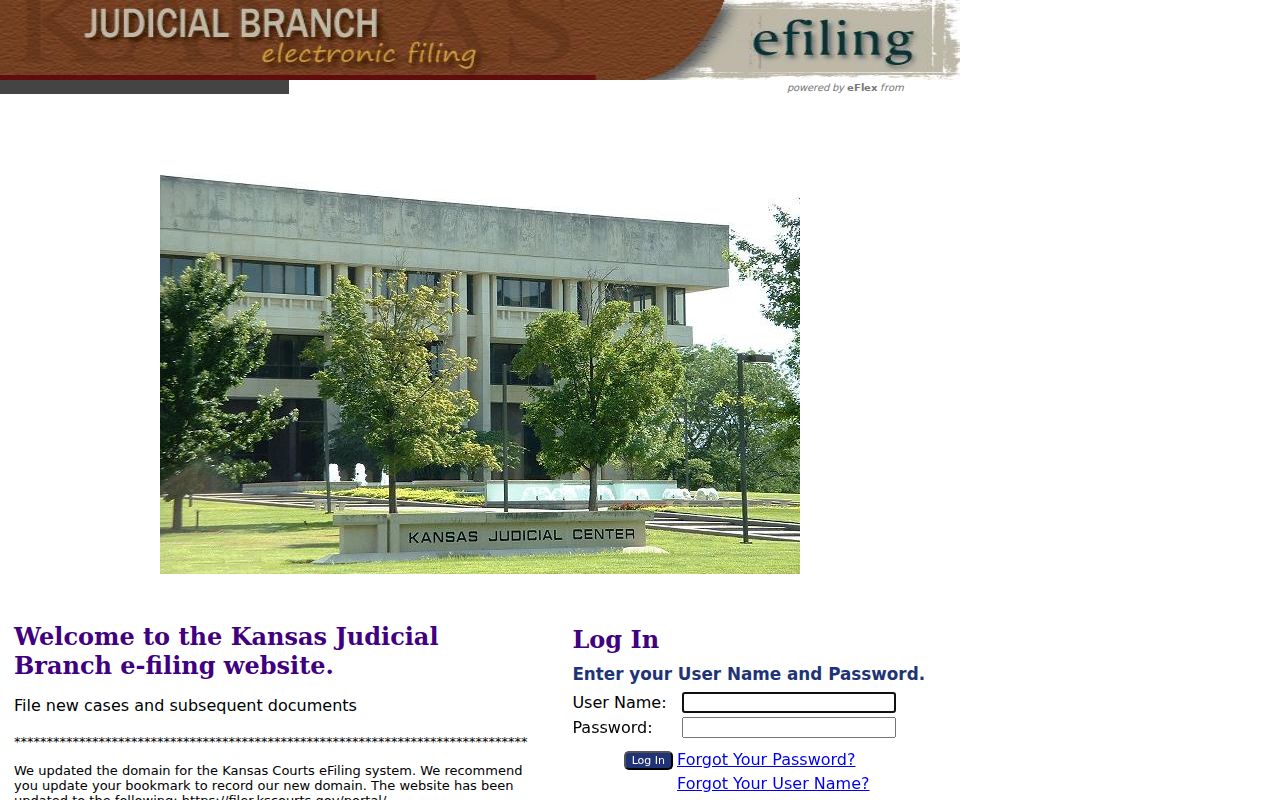
Signing in to file does not open broader public access to a Norton County case. That login only moves your own filings. The Kansas appellate e-filing portal is a third, separate system, built for authorized appellate filings rather than Norton County district case searches.
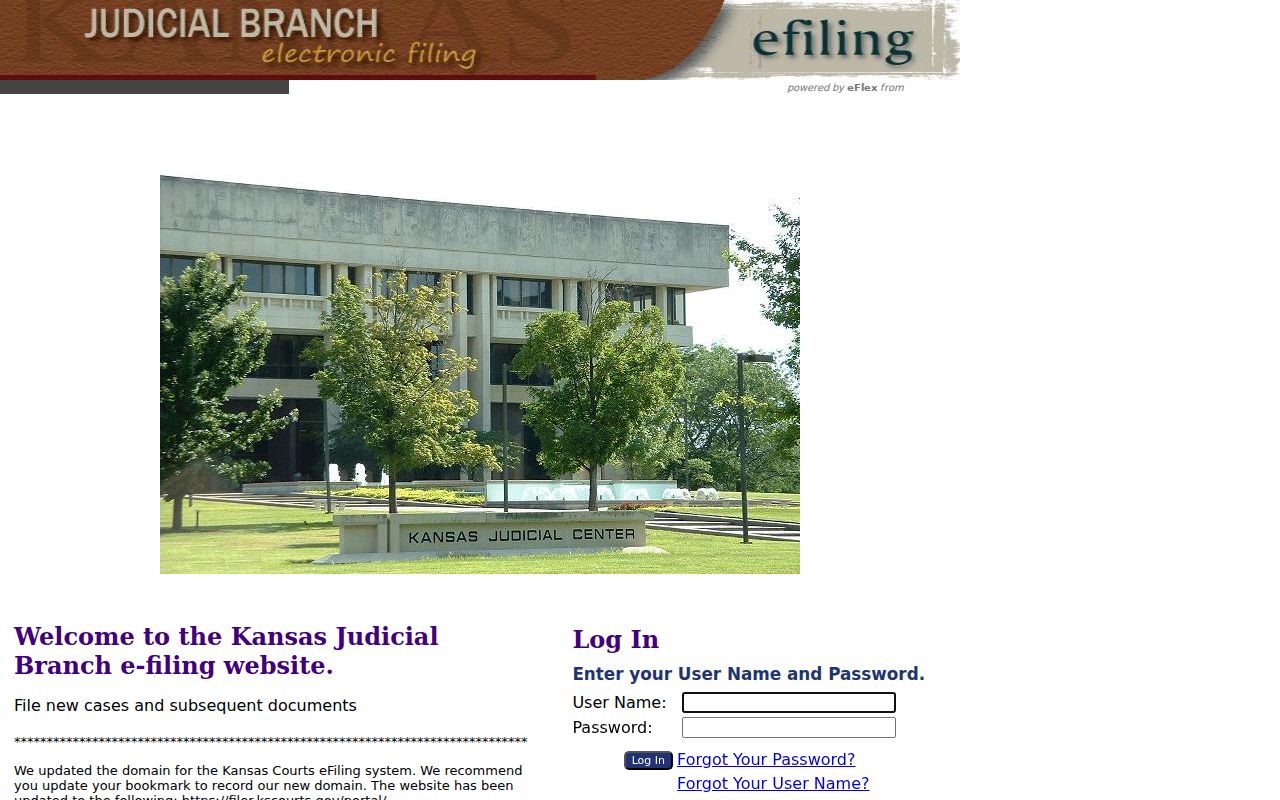
That separation is deliberate. It keeps a district-court case lookup out of an appellate filing worklist.
Norton County Case Search Fallback
When a permitted document is not online, go during clerk office hours, ask for the Public Access Terminal, and search the Norton County case record there. Bring the exact case number if you can. Before printing a paper copy, confirm the page count. Need it certified? Ask the clerk, because a browser printout is not a certified court record.
Municipal cases take a different route. Norton Municipal Court lists its City Hall contact and hours but posts no official online docket, and Almena, Clayton, Edmond, and Lenora have no comparable official city docket portal either. Call the issuing city office rather than assuming the state district portal holds the ordinance matter.
Access and Restricted Cases
What you can see depends on the case type. It also depends on the document, the statute, court rule, and any court order. Kansas Supreme Court Rules 22 and 106B govern public electronic access and draw a line between the internet portal and courthouse-terminal access. Juvenile and Child in Need of Care records are limited. Statutory confidentiality rules apply. Sealed, expunged, adoption, mental-health, grand-jury, inquest, warrant, and certain family or offline categories may simply not appear in an ordinary case lookup.
Never try to beat a restriction with another search field. Ask the Clerk of the District Court instead. Ask whether the matter is public, whether a redacted part can be released, and what lawful request is available. Share only the facts needed to identify one known record. A negative portal result can mean many things. It can mean restriction, conversion limits, an older index, a municipal filing, or a different court.
Public access rule: Kansas CaseSearch is a starting index. The originating clerk and filed order remain the sources for official status and restricted-access decisions.